A professional editor that lives in your browser
Adjust, retouch, composite and print. Everything is designed to be fast on your own device and safe for your originals.
One menu bar for every command
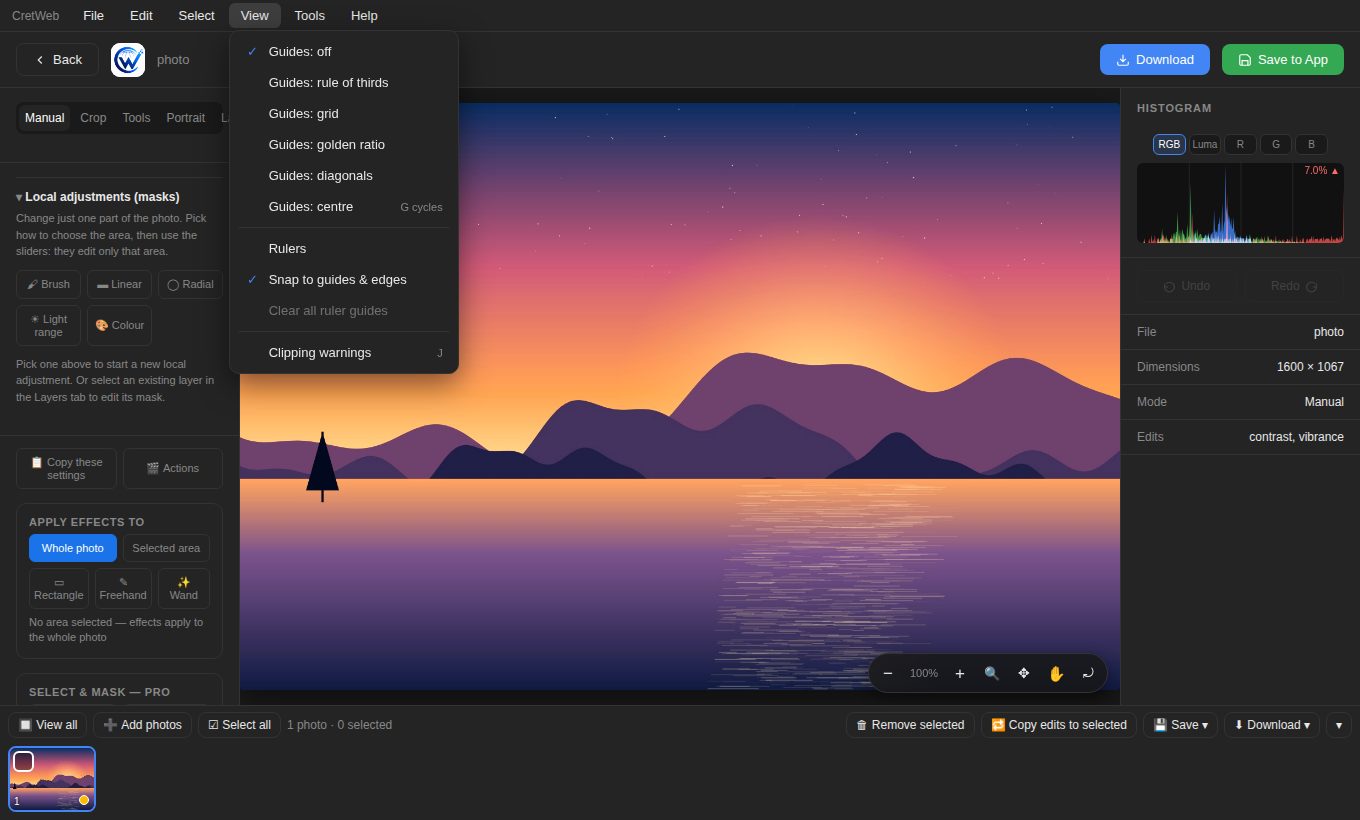
File, Edit, Select, View, Tools and Help sit at the top, on desktop, tablet and phone. Guides, rulers, snap, clipping warnings, history and keyboard shortcuts are all in the menu, with a check mark on whatever is switched on.
- Histogram with shadow and highlight clipping and a pixel read-out
- History with named steps and checkpoints you can jump back to
- Before / after at any moment
- Keyboard shortcuts (press ? for the cheat sheet)
What you can do
Tone and colour
Develop the picture the way you see it.
- Exposure, contrast, highlights, shadows, whites, blacks, clarity, dehaze, vibrance, saturation, temperature, tint, vignette, noise, sharpness
- Levels and point curves for RGB, red, green and blue
- Parametric tone curve and 8-colour HSL mixer
- Colour grading, film grain, selective colour, channel mixer, gradient map and LUT looks
Layers and masks
Work non-destructively, like in a desktop editor.
- Adjustment, text, image, pixel, fill and group layers
- 16 blend modes, opacity, fill opacity and Blend If
- Paint, gradient, radial and light-range masks, with feather and density
- Layer effects: outline, outer glow and drop shadow
Selections and paths
Select exactly what you mean.
- Marquee, lasso, polygon lasso, magic wand and quick selection
- Add, subtract, invert, expand, contract, smooth and feather
- Refine edge and saved selections (channels)
- Pen tool with curves; turn a path into a selection or a layer mask
Portrait retouching
Natural results that keep skin texture.
- Skin Retouch Pro with an edge-preserving smoothing engine
- Frequency separation and dodge and burn on their own layers
- Dark spot remover, clone, heal, patch and dust and scratch removal
- Teeth and eye whitening, red-eye and content-aware fill
Transform and warp
Reshape with control.
- Crop with ratios, straighten, rotate, flip and perspective correction
- Free resize, skew and perspective for layers
- Liquify: push, twirl, pucker, bloat, reconstruct, freeze, limited to your selection
- Puppet warp with up to 40 pins
Text and design
Branding that stays sharp.
- Fonts, kerning, tracking, line spacing, justified paragraphs
- Text on a path: arch, smile, wave or your own pen path
- 13 vector shapes with gradient fill and outline, templates
- Logo library for quick watermarks
Automation
Do the same thing to 500 photos.
- Presets and “copy edits to selected”
- Action sets: adjust, resize, sharpen, watermark and format
- Naming templates, retry, progress and a CSV report
- Edit many photos at once with a photo strip
Print, colour and files
Ready for print and other software.
- ICC colour profiles (sRGB, Display P3, Adobe RGB or your own)
- Soft proof with out-of-gamut warning
- Print size, dpi and paper fit; TIFF, JPEG and PNG with the profile embedded
- PSD import and export with layers
Plugins and speed
Extend it, safely.
- Add small plugins that read and write the picture, and nothing else
- Plugins run in an isolated sandbox with a time limit
- Large photos stay responsive thanks to preview-then-full-resolution rendering
- Projects can be saved and reopened, with autosave
Edit on your phone, too
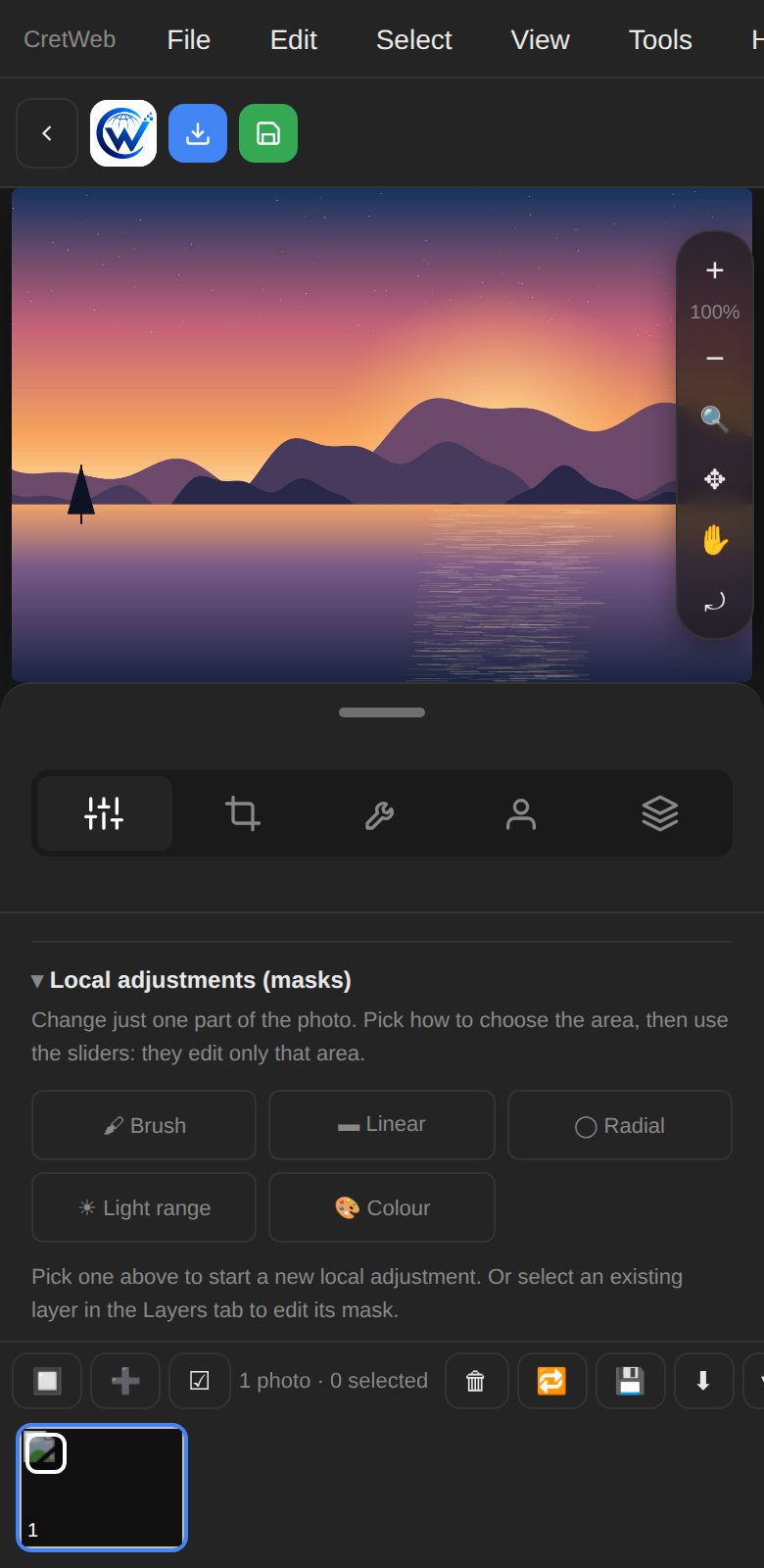
On phones and tablets the editor swaps to icon tabs, a slim zoom bar and large tap targets, so you can fix a photo on location and send it straight away.
Honest notes
PSD files carry raster layers, blend modes, opacity and visibility; text, shapes, smart objects, effects and adjustment layers are flattened. Colour management uses RGB profiles with a rough CMYK preview. AI features are off unless the site administrator switches them on.